
Just Imagine, you are opening a new bank account from your phone, and then you have to wait for your ID to be scanned and approved. But what if you type in your phone number, receive a code text, enter that code, and you open a bank account in just a few steps? No need to stand in a queue, or get hard copies or follow up to sign a document again and again.
eKYC Online is the term used for this. It is a simple process. Before beginning, you need to understand what’s actually going on, what you need to have ready and how this process works and where it doesn’t.
What Does eKYC Mean?
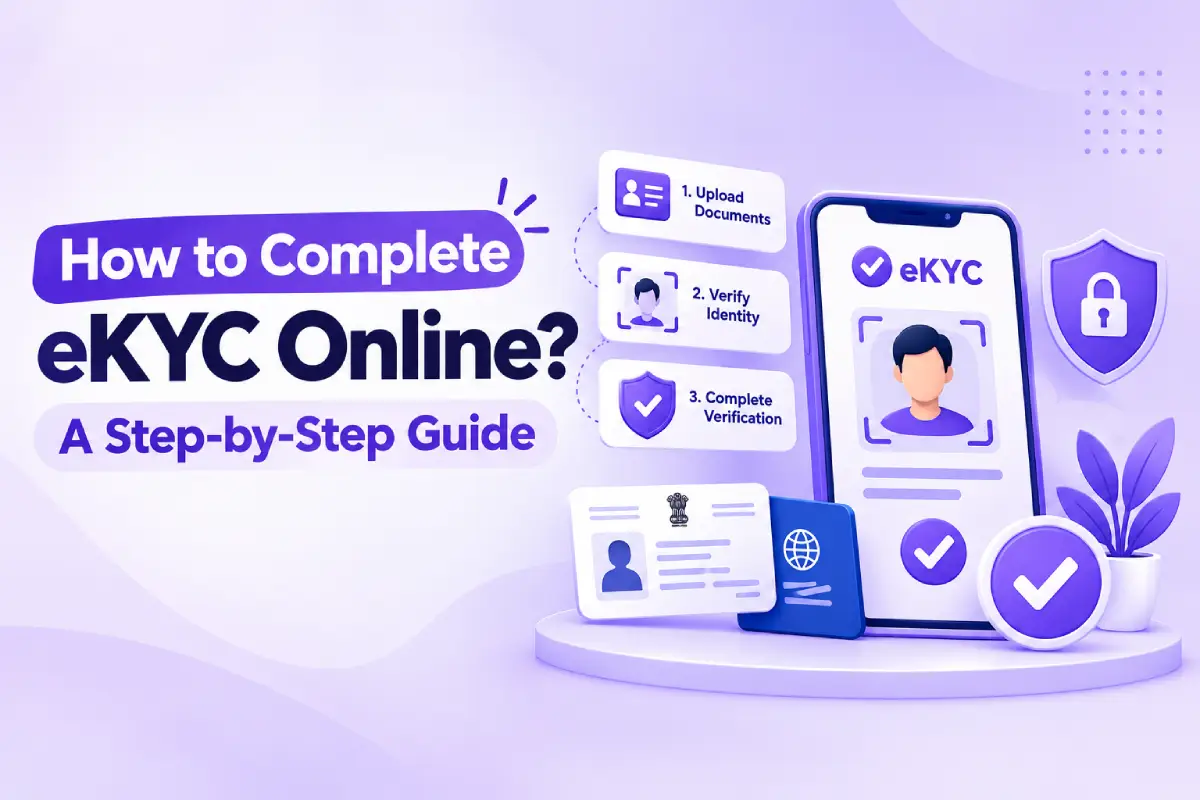
eKYC stands for electronic Know Your Customer. It is a way of confirming your identity using a government database online instead of physical documents. A bank, telecom company, or lending app sends a request and you approve it. The system checks your details against Aadhaar records almost instantly.
This was not an accident either. In the past, companies had to invest money in hiring personnel who would compare the photocopies to the originals. A reputable eKYC service provider substituted part of this manual process with automated solutions that integrate with the systems of UIDAI, which is why the account opening process, which took three days before, now takes just three minutes.
How Does eKYC Online Verification Actually Work?
Understanding the process is useful, at least to make sure everything is not a mystery.
When you initiate the eKYC Online process, the system sends your Aadhaar number to the UIDAI and asks for your authentication.
If your information matches what they have stored, they will send you a one-time password to your registered mobile number, and you enter it in the application. When the password is matched, your personal details will automatically be retrieved by the system.
This is an automated process; there is no individual who has to check and confirm this by hand. That’s why the process is quick, and that’s why sometimes a small difference causes the process to be unsuccessful.
How Do You Complete eKYC Online, Step by Step?
Here’s what the flow usually looks like on most apps and websites.
Step 1: Starting Point
Open the KYC or identity verification section of the app and choose Aadhaar based verification from the listed options.
Step 2: Number Entry
Enter your twelve-digit Aadhaar number carefully, since a single incorrect digit will stop the request immediately.
Step 3: Consent Screen
Read the consent text and confirm you’re allowing the platform to pull your verified details from UIDAI.
Step 4: Waiting for the Code
A one-time password arrives on your Aadhaar linked mobile number, usually within ten to twenty seconds.
Step 5: Entering the Code
Type the OTP before the timer expires, or you’ll need to request a fresh one and try again.
Step 6: Confirmation
Your details populate automatically, and the platform tells you whether verification succeeded or needs another attempt.
What Do You Need Before Starting eKYC Online?
A few basics have to be right before you even open the verification screen, and it’s worth checking these first rather than troubleshooting after something fails.
What You Need | Why It’s Required | If It’s Missing |
Active Aadhaar number | The system uses this to pull your identity record | The request can’t be started |
Mobile number linked to Aadhaar | This is where the OTP gets sent | You’ll never receive the code |
A stable internet connection | The session stays open during verification | The process times out midway |
Current Aadhaar details | Your name and address need to match records | Mismatches cause the request to fail |
If you moved recently or changed your number without updating UIDAI, this is usually where things go wrong. It’s a five-minute fix at an Aadhaar center, but only if you catch it before you’re mid-verification and confused about why nothing’s arriving.
When Does eKYC Online Work Well, and When Doesn’t It?
It is better to be upfront about this rather than to pretend that this process works perfectly for everybody.
The eKYC Online procedure will be effective if you have access to a stable internet connection, your mobile phone is connected to it, and your Aadhaar information is up to date. This is true for most city residents at all times, and that is why the verification process takes only a few minutes indeed.
However, there are situations where one will experience problems with a weak mobile network connection, having changed a phone number recently, or simply entering outdated data into the system years ago. Then, a visit to a bank’s branch with documentation might be the best way despite its relative slowness.
How Should Businesses Choose an eKYC Services Provider?
If you’re on the business side, choosing an eKYC services provider isn’t a decision to make purely on price or marketing claims. A few practical questions tend to matter more than a features list.
- Reliability Under Load: Ask what happens during peak traffic, since a provider that works fine at low volume can struggle when demand spikes.
- Data Handling Practices: Understand exactly how identity data moves and where it’s stored, given how sensitive this information is by nature.
- Support When Things Break: Check how quickly their support team responds when verification requests start failing at unusual rates.
- Fit With Your Compliance Needs: Confirm the provider actually meets the regulatory requirements for your specific industry, not just general claims of compliance.
Why Does eKYC Verification Fail Sometimes?
The failure of eKYC verification is most commonly caused due to some reasons that are as follows:
- Mistyped Aadhaar number
- Outdated mobile number
- Weak Internet Connection
- Timer ran out for any reason
None of these points to a broken system. They’re mostly small, fixable details that are easy to overlook until they cause a problem.
Conclusion
E-KYC Online has no magic behind it, but only the same things that need to be done quicker and more efficiently. It does work fine for most people in most cases and fails in particular cases that one should know in advance. From the perspective of business, selecting an appropriate eKYC service provider is not about choosing the perfect one, but rather about choosing the one where the trade-offs make sense in relation to one’s operations. The proper basics – updating the mobile phone number and providing all the necessary data correctly – would solve most of the issues in advance.
Frequently Asked Questions
1. What exactly does eKYC Online mean?
It’s the process of verifying your identity digitally using your Aadhaar number and an OTP, instead of physical documents and manual checks.
Why did my verification fail even though I entered everything correctly?
It’s often an outdated mobile number or a mismatch between your current details and what’s on file with UIDAI.
Is it better to use eKYC online or visit a branch in person?
Neither is automatically better. Online works well with good connectivity and updated details, while a branch visit can help when those aren’t in place.
How do businesses know if an eKYC services provider is reliable?
Look at their performance under heavy traffic, how they handle data, and how quickly they respond when something goes wrong.
Can I complete eKYC without a registered mobile number?
Not through the OTP method. You’d need biometric verification instead, which usually requires visiting a physical location.





Leave a Reply