
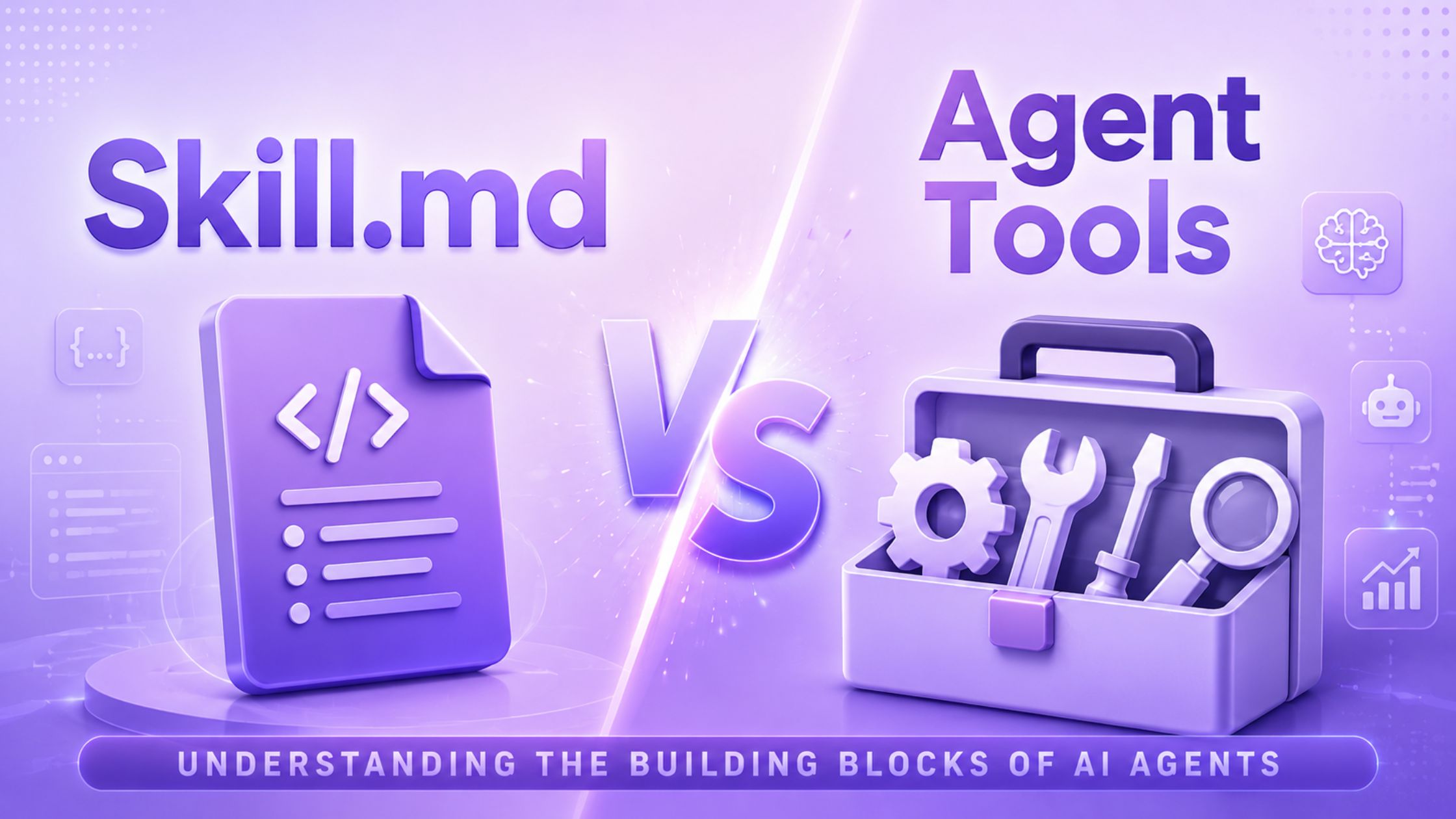
If you have started reading about building AI agents, you have probably seen two words come up again and again: Skill.md and agent tools. Most people working with ai automation tools assume these mean the same thing, but they don’t. Mixing them up can make your agent confused, slow, or just plain unreliable.
Once you understand the real difference, building something that actually works becomes a lot easier and far less frustrating than guessing your way through it.
What is Skill.md?
Skill.md is a kind of documentation that you would write for an employee who is starting his/her first day at the company. Skill.md does not perform any work, but instead only gives the AI information about how it is supposed to approach the job at hand.
In a skill markdown file, one could find such things as the format preferences for the company’s report documents, as well as instructions for coding in a particular project. This is nothing more than guidance information that does not include anything like button clicks, data retrieval, or emailing.
What are Agent Tools?
Tools are everything that is the exact opposite. They represent the tasks that the AI agent is able to perform. This includes searching the Internet, opening a file, sending an e-mail, performing calculations and saving files. If some action occurs in the real world, there must be a tool responsible for that.
This is where the bulk of all the hard work in ai agent development takes place. Without tools, your agent will be nothing but a chatterbox. It will be unable to perform any tasks by itself.
Skill.md vs Agent Tools: What is the Real Difference?
Here is a simple table to make this easy to remember:
Question | Skill.md | Agent Tools |
What does it do? | Gives instructions and tips | Performs real actions |
Does it change anything outside the chat? | No | Yes |
What format is it in? | Plain text or markdown notes | A function with clear inputs and outputs |
When is it used? | Read before the task starts | Called while doing the task |
Simple example | How to format an invoice | Actually creating the invoice file |
Why Do People Keep Mixing These Two Up?
This confusion is more common than you would think, and there are a few clear reasons behind it.
1. Mixed naming – Many platforms call everything a tool, even plain instructions, which makes people think Skill.md files do actual work too.
2. Shared space – Both skills and tools get loaded into the same conversation, so it is easy to lose track of which one is doing what.
3. Overlapping mentions – Skills often mention which tool to use for a task, and this makes people think the skill itself is taking the action.
4. Skipped basics – Many tutorials jump straight into code without ever explaining this difference, so beginners never learn it properly.
How to Use Skill.md and Agent Tools Together
Once you understand both pieces, the next question is how to use them well together. Here are some simple rules that help.
Step 1: Load smart
Rather than load all the skills into the agent at once, one should introduce the necessary ones, as an overloaded system is confusing for the agent.
Step 2: Keep tools simple
Each tool should do one clear job well, since a tool trying to do too many things will confuse the agent’s decisions.
Step 3: Follow order
First, the agent should analyze the skill that explains the task and then call the necessary tools in the order required by the task.
Step 4: Check results
One should ensure that the agent analyzes the tool’s output and bases its subsequent actions on it.
In this way, by sticking to this scheme, your AI automation tools will cease to behave like fragile prototypes and gain the qualities of reliable solutions.
Real-Life Examples
Here are three examples for a better understanding:
1. Assume that you wish to design an agent to prepare a sales report on a monthly basis. The Skill.md document would outline how the report is supposed to appear, what type of language is to be used, and what components are mandatory for the report. The Tools will provide the statistics, create graphs, and save the document.
2. Consider an example of the coding aid. It may describe how the system is structured as well as the testing principles implemented by the team. The aid would be a program responsible for file opening, test running, and changes saving. Both can perform the tasks of the other, and this is precisely the idea.
3. This is where most of the ai agent tools have been failing. Much effort is put into creating the right tool but people tend to neglect the instructions on when to use them. This ends up giving one an agent that is equipped with good tools but lacks direction.
Tips for Getting the Right Balance
There cannot be a universal ratio between the number of skills and tools, but here are five guidelines that will help to identify what the agent really requires.
1. Start small – Start with just one or two skills and tools, and then add more as you realize which skills the agent has difficulty with.
2. Observe carefully – Notice when and where the errors occur. If the action is wrong, the tool needs to be modified, and if the perception is wrong, the skill needs improvement.
3. Test frequently – Perform the same task repeatedly with minor differences each time. This will help you better understand what exactly has gone wrong.
4. Prevent overload – Try not to install all the skills and tools at once. The larger number of alternatives slows down the process significantly.
5. Maintain up-to-date skills – Return to the skills and tools every couple of weeks, since the tasks change and the instructions might get outdated.
Conclusion
Skill.md files and agent tools are not rivals. They work as a team, and treating them as the same thing is one of the most common mistakes people make in ai agent development today. Once you separate guidance from action clearly, your agents become easier to build, easier to fix, and far more dependable when they are actually put to use.
Whether you are just starting out or improving an agent you already built, getting this basic idea right will save you more time than chasing any new feature or shortcut.
Frequently Asked Questions
Skill.md gives an AI agent instructions and context on how to handle a task, while agent tools are the functions that actually perform real actions like searching the web or saving a file.
No. Skill.md is not a tool. It is a text file that provides guidance and knowledge, whereas a tool is a function that takes action and produces a real result.
AI agents need skills to understand how a task should be done and tools to actually carry it out. Without both, an agent can either think well but do nothing, or act without direction.
Yes, an agent can work without a Skill.md file, but it may struggle with consistency, since there is no guidance on tone, format, or the right approach for a task.
If the agent keeps making mistakes while performing actions, it likely needs better tools. If it keeps misunderstanding the task itself, it likely needs clearer skills.




Leave a Reply