
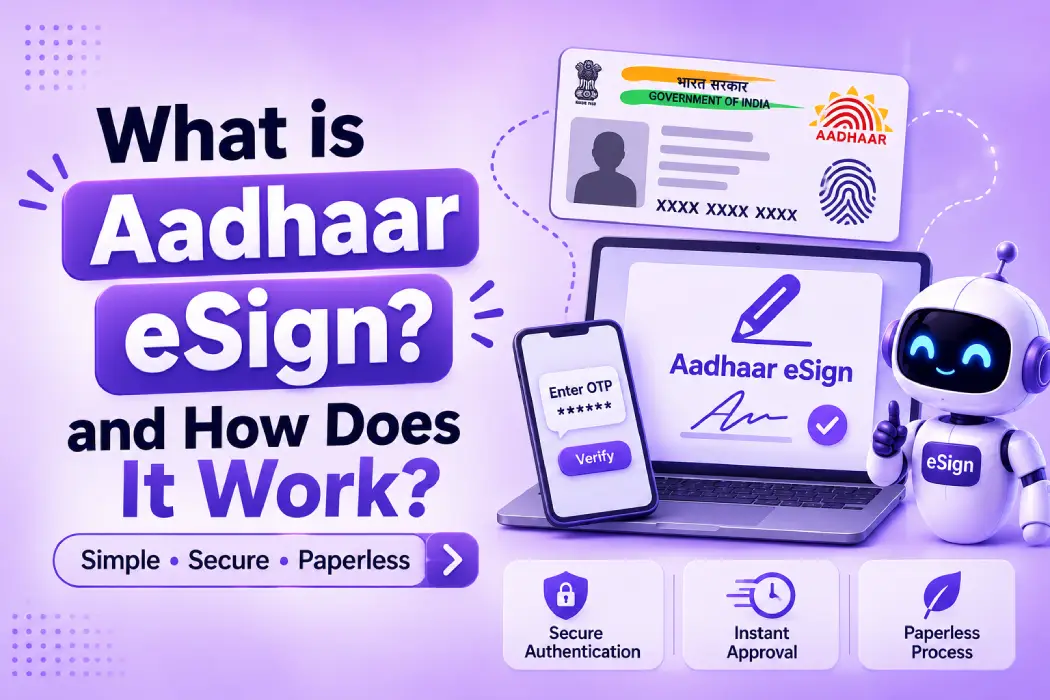
Signing a document meant printing the document, signing it with a pen, and then scanning it or returning it via courier. But now, it takes just a minute for many individuals to sign using their mobile phone.
One of the most popular methods is Aadhaar eSign. Knowing the process, its steps, where this type of signature can be legally used, and where it cannot, will help you use it easily.
What is Aadhaar eSign?
Aadhaar eSign is an online process of signing a document using your Aadhaar. You don’t require a pen, printer, or USB token for the same. This is like a digital stamp that proves you are the person who signed.
- “eSign” is an electronic signature.
- “Aadhaar” is a 12-digit unique number that has been assigned to you by UIDAI (Unique Identification Authority of India).
- “OTP” stands for one-time password, which will be sent to your mobile number.
The document will be signed with your Aadhaar number and an OTP will be sent to your registered mobile.
This method is officially notified under the Second Schedule of the Information Technology Act, 2000.
How Does Aadhaar eSign Work? Step-by-Step
The method sometimes depends on the platform you are going to use. The whole process usually takes a minute or two. It mostly consists of:
Step 1: Upload the Document
You open the document through an application or website that provides you with the facility of eSign.
Step 2: Grant Permission
The portal should ask for your consent before beginning the process. If it doesn’t, then check once.
Step 3: Enter Your Aadhaar Number and OTP
Besides the Aadhaar number, you can also enter the 16-digit Aadhaar Virtual ID. Receive the OTP. UIDAI will send the One-Time Password (OTP) to your mobile number registered with Aadhaar.
Step 4: Sign the Document and Download
Your signature will be prepared by a trusted source and added to the document. The signed file can be saved and shared.
What is an eSign Service Provider?
The eSign service provider (ESP) is the company that prepares your electronic signature in the background. Application owners have to get an ESP only from the approved list of CCA (Controller of Certifying Authorities). CCA is the government department that licenses the digital signature organizations.
The following are the roles of different organizations:
- You (the Signer): Consent to sign and enter the OTP.
- Application/website: Displays the document. Technically speaking, this is an ASP (Application Service Provider).
- UIDAI: Validates your Aadhaar and OTP.
- eSign service provider: Creates the Signature.
- Certifying Authority (CA): Issues the certificate to support the signature. The service provider and the certifying authority are owned by the same organization.
Which Documents Cannot Be Signed Using eSign?
The main exceptions that do not allow Aadhaar eSign are listed in Schedule I of the Information Technology Act. These include:
- A will
- A power of attorney
- A trust document
- A contract for the sale or transfer of immovable property
- A negotiable instrument, such as a promissory note (a cheque is treated differently)
Check the full Schedule I(one) list or ask a lawyer if your document is close to any of these.
Who Uses Aadhaar eSign?
The right use depends on your document type, your industry and the rules that apply to you.
- Banks and NBFCs for loan agreements and account forms
- HR department for offer letters and employment agreements
- Landlords and tenants for rental agreements (see state law)
- Insurance company for policy documents
- Small business for vendor agreements and invoices
- Government and education institutions for forms and certificates
Benefits of Aadhaar eSign
Here are some major advantages of using this:
- Quickly: Login within minutes from any location
- Cheap: No paper, printing, or courier required
- No software: No USB token is needed
- Tracked: Every signature is recorded with a timestamp
- Easy for customers: People already have their Aadhaar
NextBigBox is one of the best eSign service providers. For more details, you can visit the website and get a demo.
Conclusion
The concept of Aadhaar eSign makes signing faster, cheaper and paperless. It is valid for most documents, but not for the exceptions in Schedule I(one). Pick an approved provider, take clear consent and protect your OTP. It works through an eSign service provider, which creates your signature after UIDAI confirms your identity.
Frequently Asked Questions
It stands for electronic Know Your Customer. It means confirming a person’s identity online using photos, documents, and database checks instead of paperwork in person.
Banks and other regulated sectors can use approved eKYC methods under certain conditions. Rules change over time, so check with your regulator or legal adviser.
Many automatic checks finish in seconds or a few minutes. Cases that need a manual review take longer, depending on your own process.
Compare data safety, supported documents, support quality, and pricing. Test the service with real-looking cases before you sign anything.
That depends on how the service and your business handle it. Look for encryption, limited access, and clear data storage rules, and follow privacy.
Disclaimer: This blog is for general information only and is not legal advice. eSign rules and approved providers change. Please confirm current details with the CCA website or a legal expert before you decide.




Leave a Reply